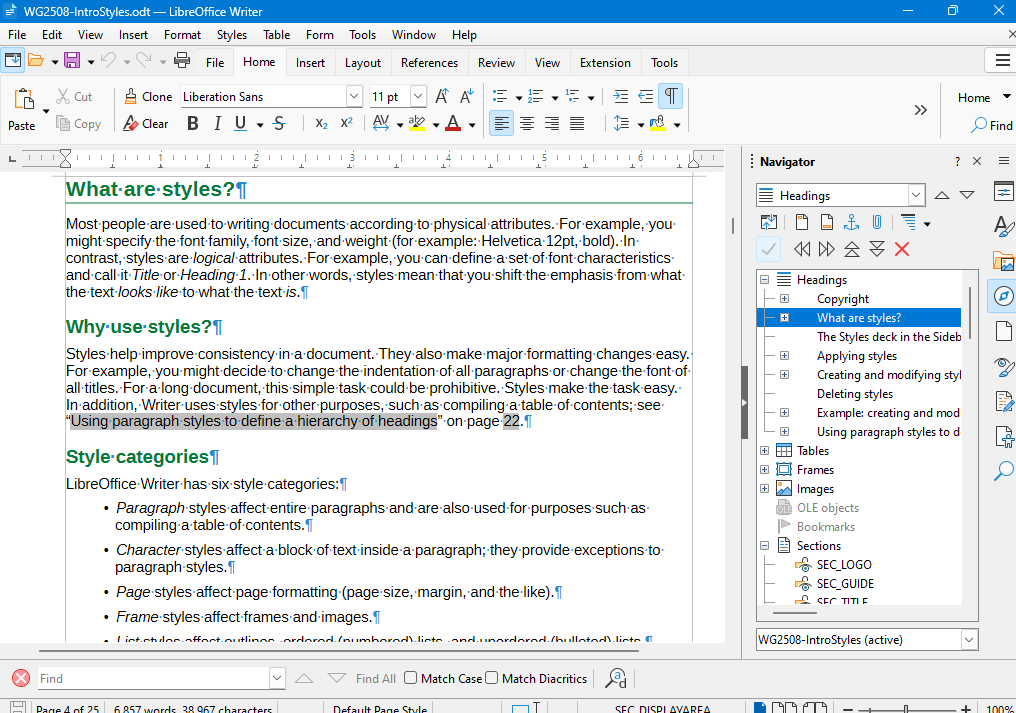
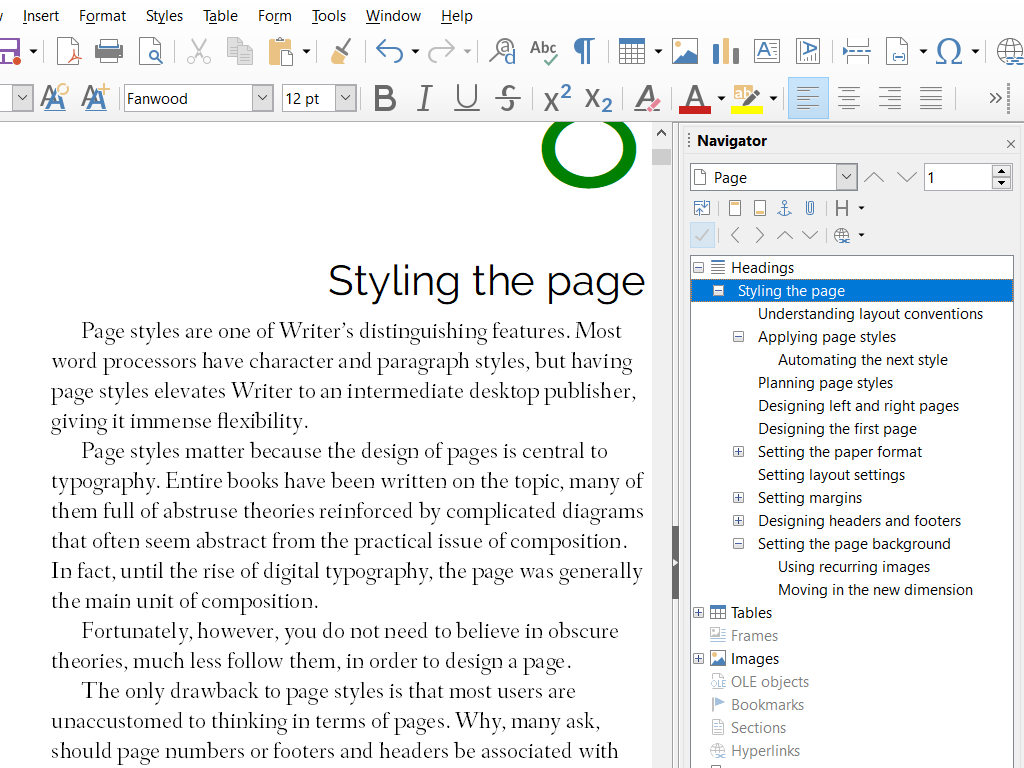
Erinomainen tekstinkäsittelyohjelma kaikkeen lyhyistä muistiinpanoista kokonaisiin kirjoihin.

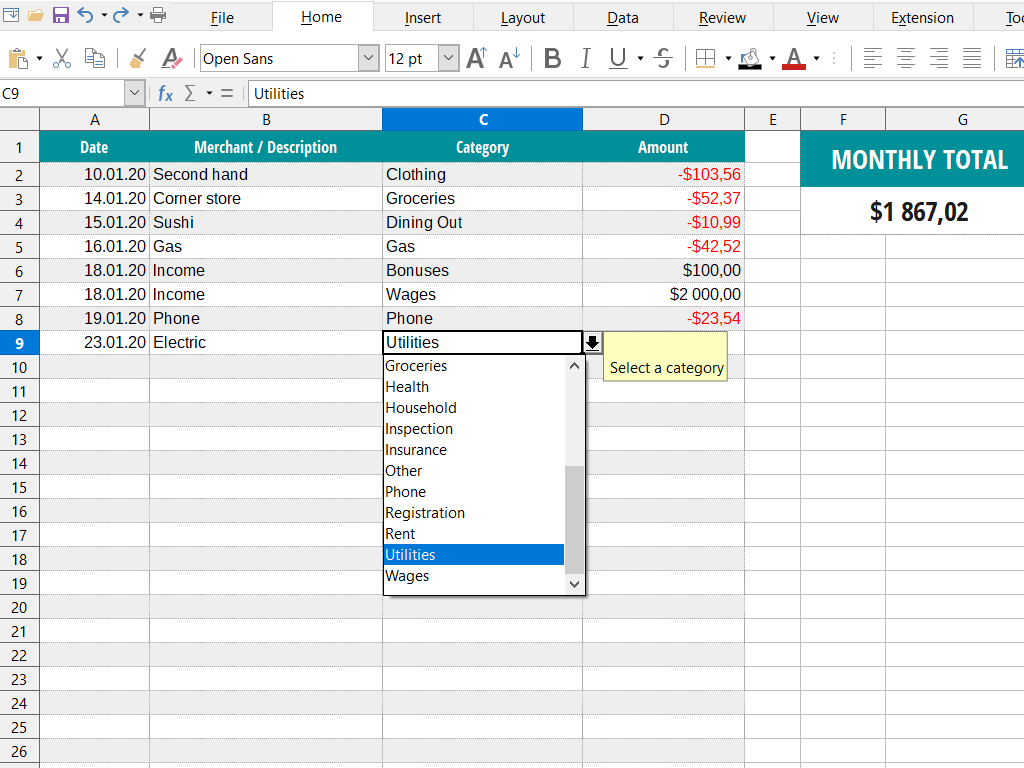
Monipuolinen taulukkolaskentaohjelmisto tietojen analysointiin, numeroiden murskaukseen ja selkeiden esitysten luomiseen.

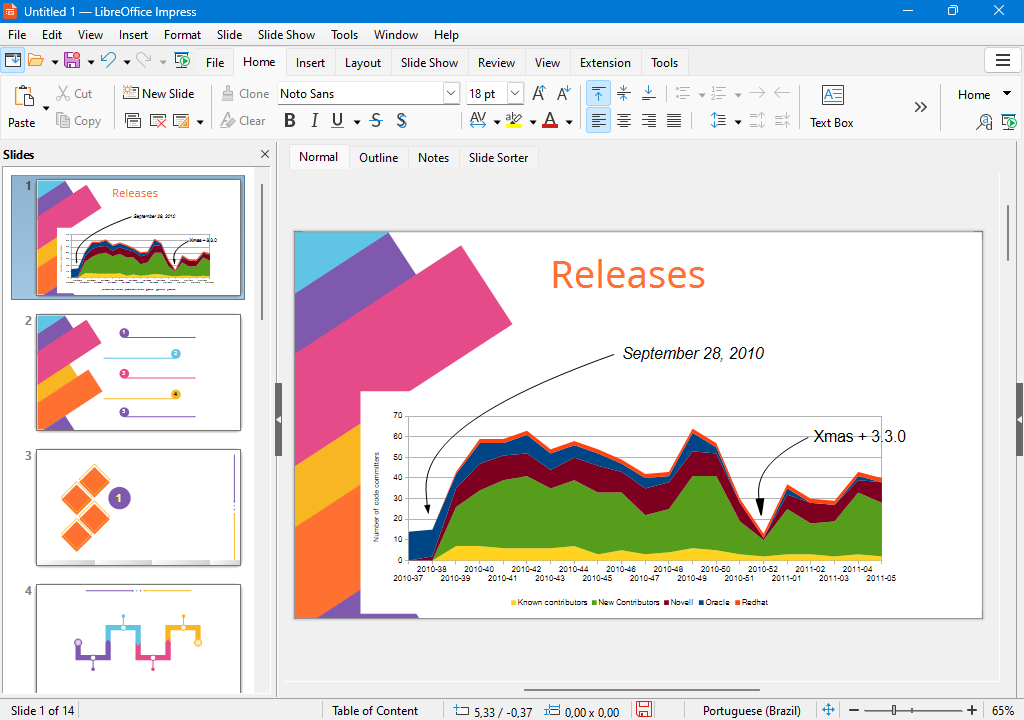

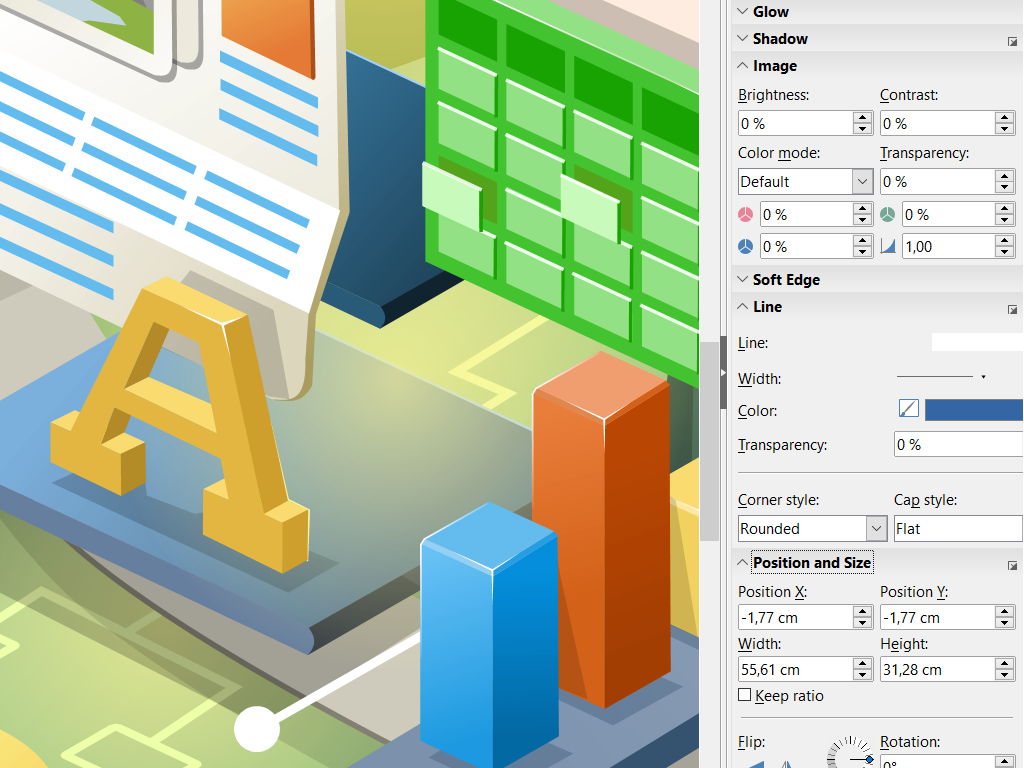
Laadi kaikenlaisia piirroksia yksinkertaisista kaavioista monimutkaisiin 3D-kuviin.

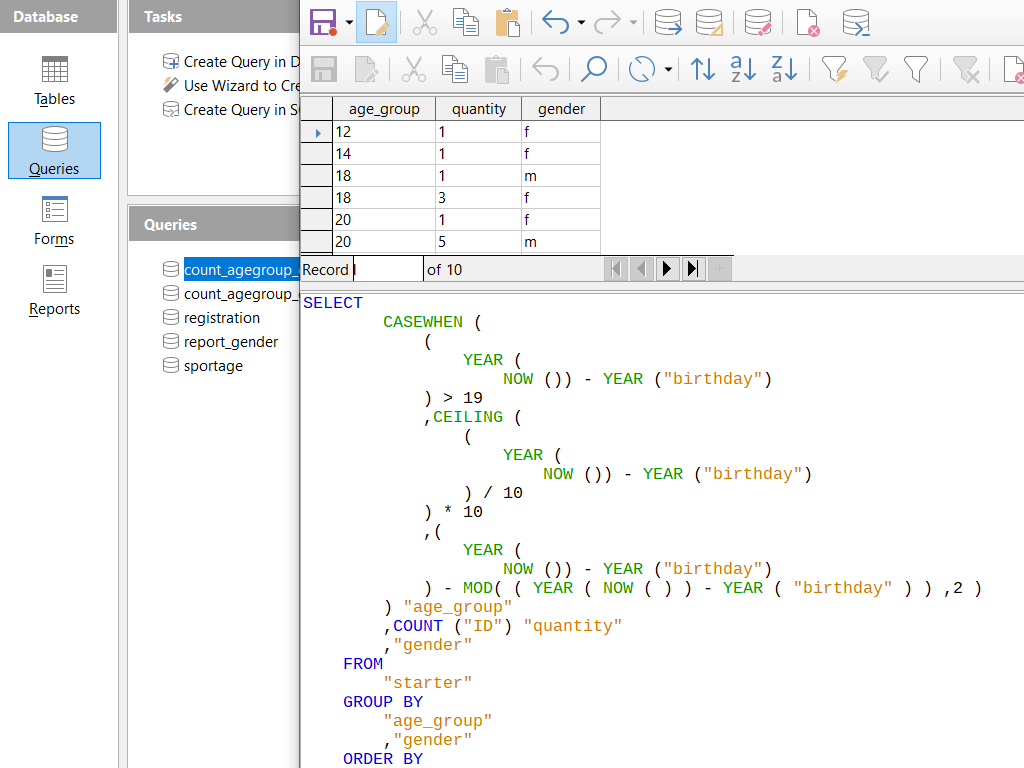
Hallitse tietokantoja: rakenna tauluja, lomakkeita, kyselyjä ja raportteja.

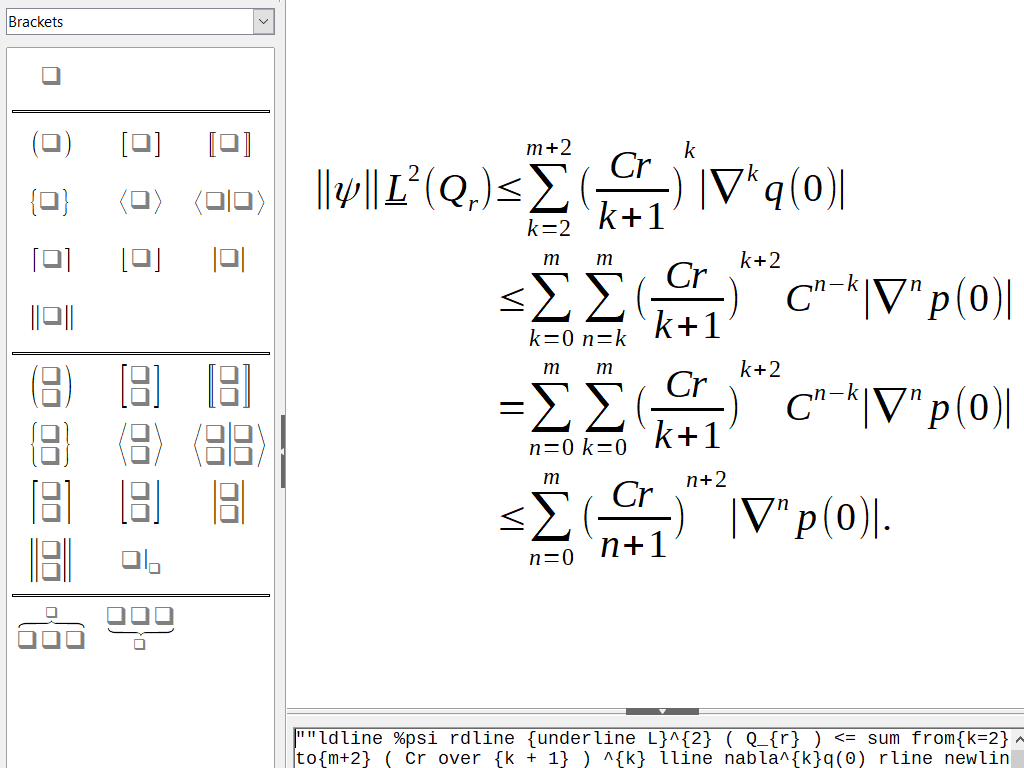
Kirjoita matemaattisia kaavioita helposti visuaalisen muokkaimen avulla tai tekstimuodossa.

Tervetuloa! LibreOfficea kehittää helposti lähestyttävä yhteisö, johon kuuluu satoja avustajia ympäri maailmaa. Vapaata ja avointa ohjelmistoamme voi tutkia ja parannella kuka tahansa. Liity mukaan ja auta meitä tekemään ohjelmistosta vieläkin laadukkaampi!
Ennen aloittamista suosittelemme sopimaan perehdytyksen TDF:n mentorin Ilmari Lauhakankaan kanssa.
Oletko jo avustaja? Liity TDF-säätiöön!
Yhteisömme jäseniä kartalla.
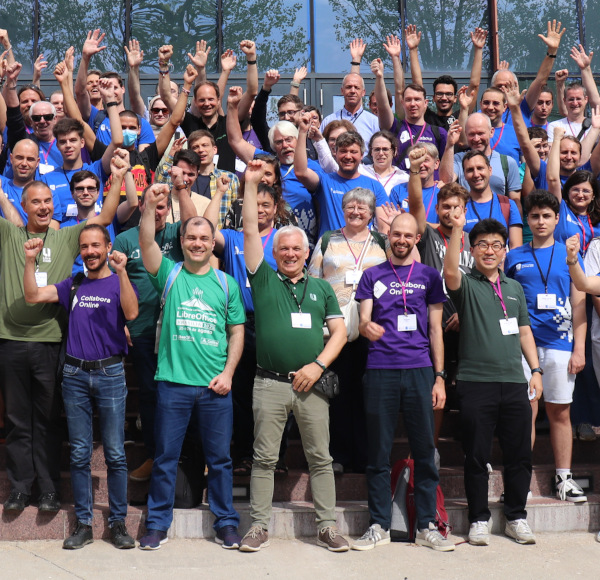
Olet tervetullut vuosittaisiin konferensseihimme ja muihin tapahtumiin. Niissä on keskustelua, työpajoja ja muuta hauskaa!

“Olen oppinut paljon ja hankkinut monia uusia taitoja matkan varrella.” - Kira Tubo, kehittäjä

“Aloittelevat bugien testaajat saavat paljon tietoa LibreOfficen mahtavasta wikistä.” - Steven Casey, kehittäjä